
MindMap AI vs RocketShare
Side-by-side comparison to help you choose the right product.

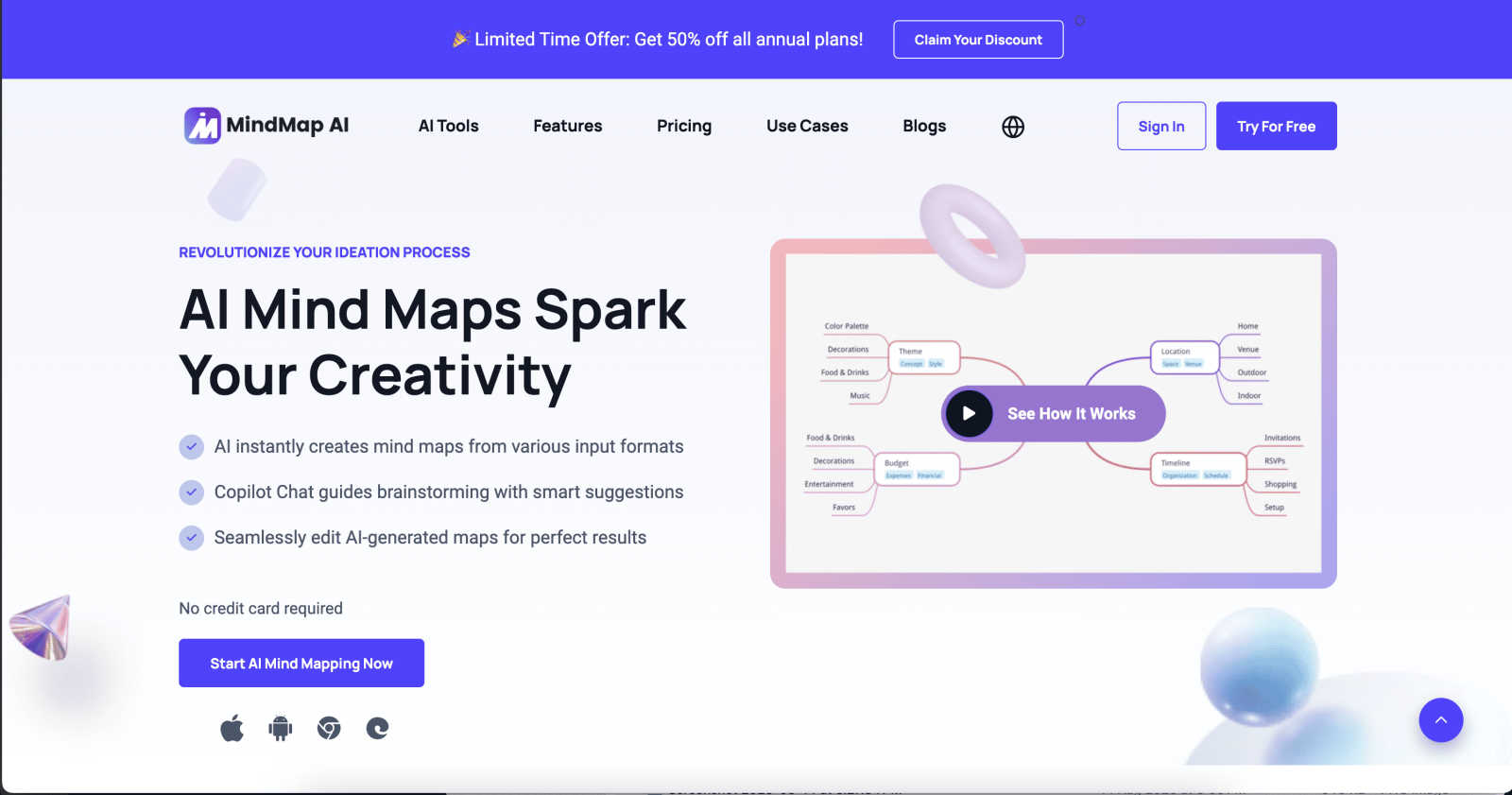
MindMap AI instantly creates and co-edits dynamic mind maps from your ideas and documents.
Last updated: March 1, 2026

RocketShare
RocketShare encrypts your files on your device for truly private sharing.
Last updated: March 4, 2026
Visual Comparison
MindMap AI
RocketShare

Feature Comparison
MindMap AI
AI Thinking Mode
This proprietary reasoning engine analyzes your input with an understanding of context, hierarchy, and relationships before generating any map. It ensures the resulting structure is logically sound, meaningful, and accurate on the first try, moving beyond random branch generation to deliver maps that reflect coherent thought processes and save significant revision time.
Multi-Format File-to-Map Conversion
Transform a vast array of content sources into a visual map instantly. Simply upload or paste text, PDFs, PowerPoint slides, images, audio recordings, videos, Markdown, CSV, JSON, and other file types. The AI intelligently extracts key concepts and themes, structuring them into a clean, editable mind map foundation, allowing you to start from a structured point rather than a blank page.
MindMark Stability & Continuous Co-Editing
This foundational feature guarantees that your manual edits and custom layouts are permanently respected. The AI expands and suggests ideas around your work without ever overwriting or altering your personal structure. You maintain full control, seamlessly switching between manual editing and AI-assisted actions like summarization, expansion, or reorganization.
Flexible Layouts & Instant Aesthetics
Visualize your project from multiple perspectives without rebuilding. Switch effortlessly between a traditional Mind Map view, an Organizational Chart, and a Logic Chart with a single click. Your data structure remains perfectly aligned across all views. Coupled with a library of modern, presentation-ready themes, you can achieve a polished, professional look instantly.
RocketShare
Zero-Knowledge End-to-End Encryption
This is the foundational security feature of RocketShare. All files are encrypted on your device using a unique key before they leave your computer. The encryption key is never sent to or stored on RocketShare's servers. Only the person with the correct share link, which contains the key, can decrypt and access the files. This ensures that your data remains completely private, even from RocketShare itself, providing the highest standard of confidentiality for your shared content.
Dual Sharing Modes: Cloud and Local
RocketShare offers flexible sharing methods to suit different security and speed needs. The Cloud Share option uploads encrypted files to secure servers in the EU for easy, accessible sharing. The Local Share (or peer-to-peer) mode creates a direct, encrypted connection between devices for transferring files without them ever being stored on a central server. This is ideal for sharing extremely large files or when you require the utmost control over data transit, as the files move directly from sender to recipient.
Secure EU-Based Data Storage
For files shared via the cloud option, RocketShare ensures all encrypted data is stored on servers located within the European Union. This provides users with the strong data protection guarantees offered by EU privacy regulations, such as the GDPR. Choosing a provider with EU-based storage is a critical consideration for businesses and individuals concerned with jurisdictional data sovereignty and compliance with strict international privacy standards.
Simple, Self-Serve Interface
Despite its powerful security architecture, RocketShare is designed for ease of use. The platform features a clean, intuitive interface where users can simply drag and drop files to begin the secure upload process. There are no complex configurations or IT expertise required. This simplicity ensures that robust, zero-knowledge encryption is accessible to everyone, from solo freelancers to large enterprise teams, without a steep learning curve.
Use Cases
MindMap AI
Strategic Planning & Business Alignment
Teams can use MindMap AI to distill lengthy strategy documents, meeting notes, and market research into clear, visual maps. This facilitates faster consensus, identifies gaps in logic, and aligns stakeholders around key objectives. The AI co-pilot chat allows for real-time strategy refinement and questioning, turning planning sessions into actionable, living documents.
Academic Research & Learning
Students and researchers can upload papers, textbooks, or lecture recordings to automatically generate structured study guides and literature reviews. By converting dense information into a visual hierarchy, complex subjects become easier to comprehend, connect, and memorize. It's an invaluable tool for organizing thesis chapters or deconstructing complicated theories.
Project Management & Workflow Design
Project managers can transform project briefs, requirement lists, or brainstorming sessions into detailed project maps. Using widgets like Priority Flags and Due Dates, these maps become actionable plans. The ability to switch to an Org Chart view clarifies reporting structures, while the Logic Chart view helps in mapping out processes and dependencies clearly.
Creative Brainstorming & Content Planning
Content creators, writers, and marketing teams can kickstart campaigns by feeding in ideas, outlines, or competitor analyses. The AI helps expand on core concepts, suggest related topics, and structure content calendars visually. This use case turns chaotic creative sessions into organized, executable plans for articles, video series, or product launches.
RocketShare
Legal Document Exchange
Law firms and legal professionals regularly handle highly sensitive case files, client contracts, and evidence. RocketShare's zero-knowledge encryption ensures that attorney-client privilege and confidential case details are maintained during digital transfer. Lawyers can share large document sets with clients or co-counsel with the absolute confidence that no intermediary can access the content, fulfilling strict ethical and compliance obligations.
Healthcare Data and Patient Records
Healthcare providers, clinics, and researchers need to share medical records, imaging files, and lab results while adhering to stringent regulations like HIPAA. RocketShare provides a secure conduit for this sensitive data. By encrypting patient information before it leaves the hospital or clinic's network, it minimizes the risk of a data breach during transmission, protecting patient privacy and helping organizations maintain compliance.
Creative Media Delivery
Photographers and videographers can deliver high-resolution client galleries, raw footage, and final edits securely. RocketShare protects their intellectual property from unauthorized access or piracy during transfer. Clients receive a simple link to access their private gallery, ensuring a professional and secure delivery process that safeguards the creative's work and the client's personal moments.
Confidential Business Collaboration
Teams working on confidential projects, such as product development, financial mergers, or strategic plans, require a secure way to share large blueprints, financial models, and internal reports. RocketShare enables secure collaboration across departments or with external partners. The local share feature is particularly useful for transferring massive files within an office network without using external cloud storage.
Overview
About MindMap AI
MindMap AI is a sophisticated, AI-powered visual thinking platform engineered to transform unstructured information into structured, actionable clarity. It serves as a dynamic workspace for professionals, teams, students, and researchers who need to organize complex ideas, vast research, or strategic plans efficiently. The core innovation lies in its ability to automate the initial structuring process. Users can input virtually any format—text, PDFs, documents, images, audio, video, Markdown, CSV, and more—and instantly generate a clean, editable mind map. This eliminates hours of manual formatting, allowing individuals and teams to dive straight into higher-order thinking, analysis, and collaboration. Beyond simple generation, MindMap AI acts as an intelligent co-pilot. Its interactive chat allows users to ask questions, expand on ideas, summarize sections, and refine strategies directly within the map, turning static diagrams into living documents. Built for real-world productivity, it supports seamless co-editing, offers multiple chart views, and ensures AI assistance never overwrites manual work. With robust multi-language support, large document processing, and deep customization, MindMap AI is the definitive tool for converting chaos into clear workflows, projects, and strategies in minutes.
About RocketShare
RocketShare is a secure file-sharing platform engineered for individuals and businesses that prioritize absolute data privacy. Its core value proposition is providing enterprise-grade security through a zero-knowledge encryption model, ensuring that no one except the intended sender and recipient can ever access the shared content. The platform operates on the principle that privacy is non-negotiable. Files are encrypted directly on the user's device before being uploaded, and the decryption key remains solely with the user, often embedded within the share link itself. This means RocketShare's servers only handle unreadable, encrypted data, making it impossible for the company or any third party to view the files. The service offers both cloud-based sharing for convenience and local peer-to-peer sharing for maximum control, with all cloud data stored securely within the European Union. Designed with a beautifully simple, self-serve interface, RocketShare eliminates the complexity typically associated with top-tier security, making it an ideal solution for professionals and organizations handling sensitive information.
Frequently Asked Questions
MindMap AI FAQ
What types of files can MindMap AI convert into a mind map?
MindMap AI supports a wide range of inputs for conversion. You can use text snippets, PDF documents, PowerPoint presentations, Word files, images (with extractable text), audio recordings, videos, Markdown files, CSV/Excel data, JSON, XML, and HTML. This makes it a versatile tool for consolidating information from nearly any digital source.
Does the AI overwrite my manual edits on a mind map?
No, it does not. A core principle of MindMap AI is "MindMark Stability." The AI is designed to be a cooperative assistant. It will only add new branches or suggestions based on your prompts; it will never alter, move, or delete any node, connection, or formatting that you have created manually. You retain complete control over your work.
How does the free plan work?
The free plan offers 50 AI credits per month at no cost and without requiring a credit card. These credits are used for AI-powered actions like generating maps from files, using the AI co-pilot chat, or auto-expanding branches. This allows users to explore the core functionality extensively before deciding to upgrade to a paid plan for higher usage limits.
Can I collaborate with others on a mind map?
Yes, MindMap AI is built for collaboration. You can share your maps with team members or classmates to co-edit in real-time. Collaborators can work simultaneously across web and mobile platforms. The platform supports seamless integration of both human and AI contributions within the same document, making team brainstorming and planning highly efficient.
RocketShare FAQ
How does zero-knowledge encryption work on RocketShare?
Zero-knowledge encryption means RocketShare has no knowledge of or access to your files or their encryption keys. When you upload a file, it is encrypted on your device using a strong, unique key. This encrypted data is then sent to and stored on RocketShare's servers. The decryption key is not stored with RocketShare; it is typically part of the share link you send to your recipient. Only someone with that full link can decrypt and download the original file. We cannot view, scan, or access your data at any point.
What is the difference between Cloud Share and Local Share?
Cloud Share uploads your encrypted files to RocketShare's secure servers in the EU. This allows recipients to download the files at any time, even if your device is offline. Local Share creates a direct, encrypted peer-to-peer connection between your device and the recipient's device. The file transfers directly without being stored on our servers, which can be faster for very large files and offers an additional layer of control. The local transfer only works while both devices are online and connected.
Where are my files stored?
If you use the Cloud Share feature, your encrypted files are stored on secure servers located within the European Union. We choose EU-based hosting to align with strong data protection regulations. If you use the Local Share (peer-to-peer) feature, your files are never stored on our servers at all; they travel directly between the sender's and recipient's devices during the transfer.
Is a credit card required to start using RocketShare?
No, you can start using RocketShare's core file-sharing services without providing a credit card. The platform offers a free tier or trial to allow users to experience the security and simplicity firsthand. This aligns with our commitment to making powerful privacy tools accessible to everyone from the outset.
Alternatives
MindMap AI Alternatives
MindMap AI is a premier AI-powered mind mapping tool in the productivity and management software category. It is designed to instantly convert complex information from documents, audio, and other formats into structured, interactive visual maps, helping teams and professionals organize ideas and strategies with greater clarity and efficiency. Users often explore alternatives for various practical reasons. These can include budget constraints, the need for specific platform compatibility, a preference for simpler or more traditional tools, or requirements for different collaboration or integration features. The search for the right tool is highly personal and depends on an individual's or team's unique workflow. When evaluating alternatives, key considerations should include the core functionality you need, such as AI-assisted structuring, real-time collaboration, or multi-format import capabilities. Also assess the overall value, including pricing transparency, ease of use, security standards, and the quality of support. The goal is to find a solution that seamlessly integrates into your process without forcing a compromise on your essential requirements.
RocketShare Alternatives
RocketShare is a secure file-sharing platform in the productivity and management category, distinguished by its zero-knowledge encryption model. This means files are encrypted on the user's device before upload, ensuring that not even the service provider can access the content, making it ideal for handling highly sensitive data. Users may explore alternatives for various practical reasons. Common considerations include different pricing structures or subscription tiers, the need for specific collaboration features like real-time editing, integration with other software ecosystems, or preferences regarding data storage locations and jurisdictional compliance. When evaluating other secure file-sharing services, key factors to consider are the underlying security model, such as whether it offers client-side encryption. Other important aspects are file size limits, transfer speed, user experience, and the provider's data privacy policies. The right choice balances robust security with the workflow and budgetary requirements of the individual or organization.