
VideoByPrompt
VideoByPrompt makes short AI video clips from prompts or photos, with daily free generation, multiple aspect ratios and output up to 1080p.

72 listings
VideoByPrompt makes short AI video clips from prompts or photos, with daily free generation, multiple aspect ratios and output up to 1080p.
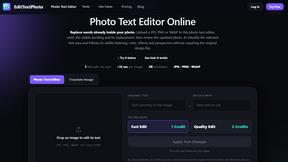

EditTextPhoto edits text already baked into photos, helping creators make localized wording changes when the layered design file is unavailable.
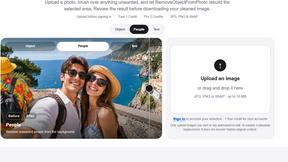

Remove photo distractions in a browser using a brush-based AI eraser, with image review before download and support for files up to 10 MB.
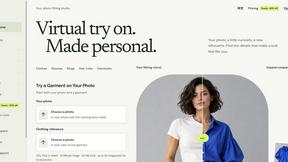

Compare AI generated previews of clothes, glasses, rings and hair on your photo, with task specific guidance for choosing clear images.
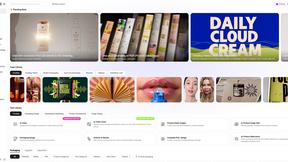

Rhinobird gives e-commerce teams tools for product listing images, ad creative, reference-based video and packaging artwork.
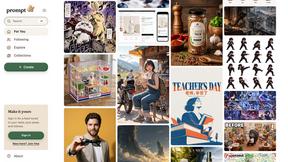

A prompt library for image makers, pairing tested prompts with their results and model names for easy browsing and copying.
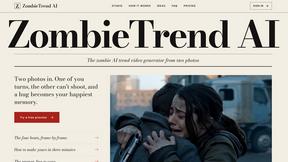

ZombieTrend AI turns two photos into a vertical zombie love story, with a free preview and selectable video length.
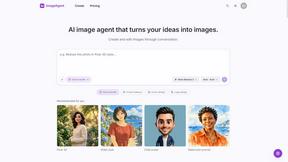

ImageAgent is a conversational image generator for creators who want to start with text or a reference and refine results through chat.

GenX.art is an AI workspace for image, video, and audio creation, offering model selection and an estimated credit cost before each run.

AI Age Filter turns an adult portrait into an AI aging simulation with four year increments and a labelled PNG download.
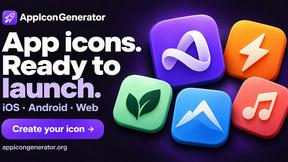

Turn existing artwork into app icons with platform previews and downloadable exports for iOS, Android, web, and Chrome.

FreeCreate makes AI videos from text and images, pairing guest credits with motion transfer, video presets, and image creation tools.
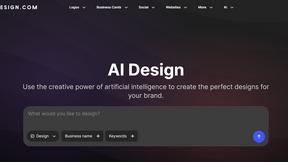

Design.com turns text prompts into polished images, with multiple options and visual styles for social, marketing, and other creative projects.
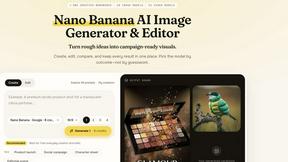

Make prompt-based images or edit photos with up to five references, then download results saved in your creations history.
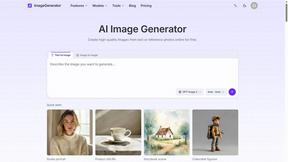

Create and refine AI images from prompts or reference photos, with model options, focused editing tools, and private saved results.
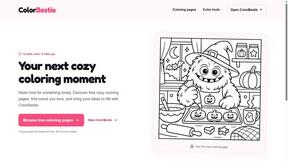

ColorBestie previews AI color ideas for your own coloring pages, helping you choose a direction before bringing markers to paper.
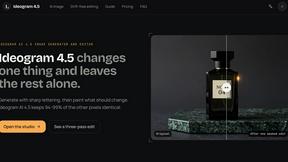

Create images with legible lettering and refine them through masked edits that preserve unedited areas across passes.
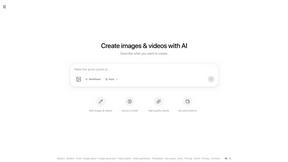

ImageGPT combines AI image and video creation with editing tools in a chat interface, routing requests to suitable models automatically.
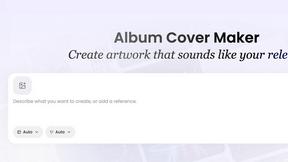

Create square album artwork from a prompt or photo, with genre, mood, and title placement tailored to music releases.
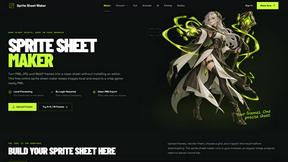

Arrange image frames into precise sprite sheets in your browser, preview animation, and export PNGs while keeping standard projects on your device.
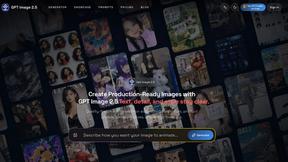

GPT Image Api lets creative teams generate and edit images, test prompts, and connect model workflows to an application through an API.
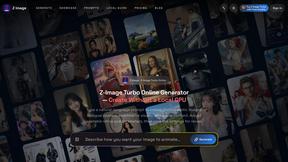

ZImage combines image generation and editing tools, including Z-Image Turbo, for creators making product visuals, posters, and other media.

Turn photos and illustrations into transparent, editable PNG layers with AI-guided subject and background separation.
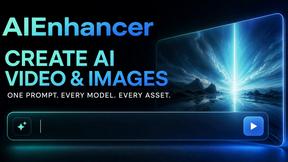

AI Enhancer combines image, video, and audio creation with restoration, editing, and effects for creators using one credit balance.
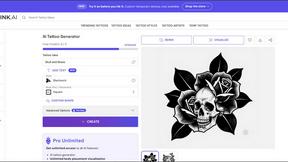

BlackInk AI creates tattoo design ideas and offers body visualization, helping users explore styles, subjects, and placements for a future tattoo.
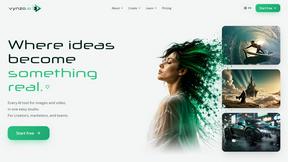

Vynzo is an AI creative studio for generating and refining images and videos, with face swap and shared pay-as-you-go credits for creators.
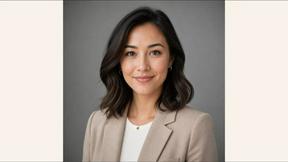

ProfileLoom makes AI portraits from a reference photo, with professional and creative styles and a free preview before you commit to a portrait pack.
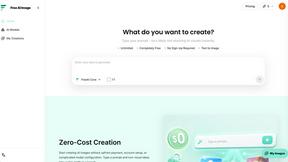

Generate and edit images from prompts or photos for free, with five aspect ratios and no account or watermark.
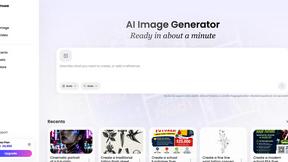

Vismuse turns photos and prompts into AI images and videos, with chat-based editing for creators, marketers, musicians, and teams.


Create and edit AI images, videos, and music with 30+ models in one web studio, or connect generation to your app through an API.
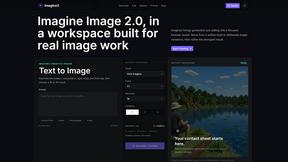

Imagine2 helps visual teams create and refine images in a browser, combining Imagine Image 2.0 generation, edits, and reference guided workflows.
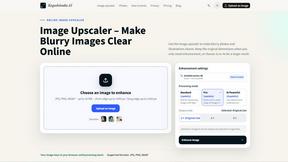

Improve low-resolution photos and illustrations online, with original-size correction and optional 2× or 4× enlargement.
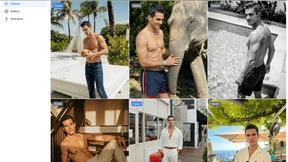

TruShot creates dating profile images from four selfies, aiming for realistic scenes and a consistent look across generated photos.
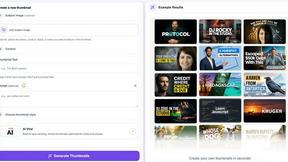

StopScroll creates YouTube thumbnail options from video context or a prompt, helping creators review covers before publishing.

HubVanta AI offers image and video creation alongside editing, design, and audio workflows, with usage managed through shared credits.
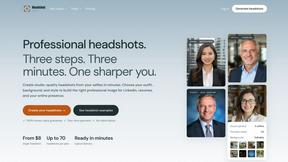

Create professional AI headshots from selfies, with customizable outfits and backgrounds for LinkedIn, team directories, and business profiles.
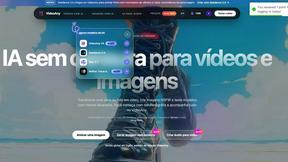

VideoAny brings AI video, image and audio tools together, with model choices and workflows that start from either text or a visual reference.
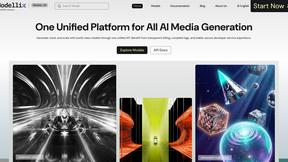

Access image, video, and audio generation models through one API, with pay-as-you-go pricing and request logs for developers.
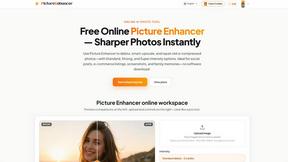

Use browser-based AI to deblur photos, clarify screenshot text, enlarge images by 2× or 4×, and restore old pictures.
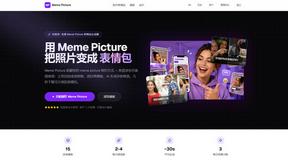

Create a meme from your own photo with AI styling and classic layouts, with share-ready PNGs for chats and social posts.
Image Generation tools use artificial intelligence to create visual content from text descriptions, sketches, reference images, and creative prompts. This category includes AI art generators, text-to-image platforms, style transfer tools, AI avatar creators, and product mockup generators that transform ideas into visual content.
Whether you are creating marketing visuals, generating concept art, producing social media graphics, building product mockups, or exploring creative AI art, these tools provide accessible image creation capabilities that were previously available only to skilled designers and illustrators.
Compare image generation tools by their output quality, style options, customization controls, generation speed, and pricing to find the right AI image creation solution for your visual content needs.
This category includes text-to-image generators, AI art platforms, style transfer tools, AI avatar and portrait creators, product mockup generators, logo creators, and specialized image generation tools for marketing, social media, and creative projects.
Modern AI image generators produce photorealistic and artistically compelling images that are suitable for many commercial and creative applications. Quality varies by tool and prompt, with the best tools delivering output comparable to professional design work.
Licensing varies by tool. Many platforms grant commercial usage rights for generated images, but terms differ regarding exclusivity, attribution requirements, and specific use cases. Always check the licensing agreement for each tool.
No. Most image generation tools accept natural language descriptions and generate images automatically. Learning to write effective prompts improves results, but no traditional design skills are required to produce quality visual content.
Write detailed, specific prompts that describe style, composition, lighting, mood, and subject matter clearly. Experiment with different wording, use negative prompts to exclude unwanted elements, and iterate on results to refine your output.
Common limitations include inconsistent text rendering in images, difficulty with specific hand and finger details, challenges with exact brand reproduction, and potential style biases from training data. Results improve with each tool update.