

VideoAny
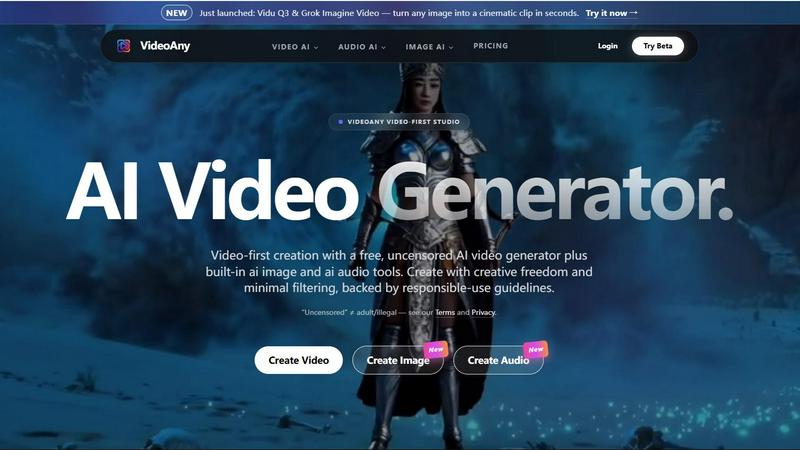
VideoAny is a video-first AI studio for turning text or images into video, with image and audio generation in the same workflow.
Categories
Pricing
About VideoAny
For someone building video-first content, VideoAny combines prompt-based and image-based video generation with tools for creating image and audio assets. The site describes use for social media, advertising and storytelling; its audio options include music, voice and sound effects. Additional workflows include avatars and a photo clothes changer.
The product offers a free tier with core features, while paid plans unlock higher resolution, batch processing and priority queues. The choice of model brings a constraint: VideoAny says only its own model supports uncensored generation, and third-party models may apply their own safety filters. Users must have rights to uploaded material, and illegal content is prohibited. Commercial use depends on plan and terms, with free use limited to personal, non-commercial purposes. These distinctions are worth checking before choosing a model for a public-facing project.
Features
- Generate video from text prompts or images.
- Create images plus music, voice and sound effects.
- Explore avatars and clothes-changing workflows.
- Use the VideoAny model or third-party models with differing policies.
Use cases
- Build short-form social video concepts.
- Develop advertising or storytelling assets from prompts or images.
- Create supporting visuals and audio in the same studio.
Pricing
Free tier with core features; paid users can buy one-time credit packs that do not expire and have no automatic renewal. Listed packs range from $20 for 400 credits to $500 for 38,000 credits.
Frequently asked questions
What is VideoAny's focus?
It is a video-first studio, with image and audio generation tools alongside video workflows.
Do third-party models follow VideoAny's uncensored mode?
No. The site says only the VideoAny model supports that mode; other models may apply their own filters or refuse prompts.
What should I check before commercial use?
Review the plan and terms that apply. Free users are limited to personal and non-commercial use.
Similar products
Compare alternatives

FoxyLab
FoxyLab helps marketers turn a chat brief or product website into editable videos and multi-size banner sets.

VideoByPrompt
VideoByPrompt makes short AI video clips from prompts or photos, with daily free generation, multiple aspect ratios and output up to 1080p.

Remora
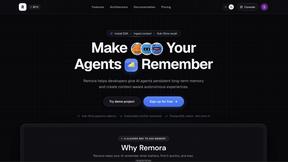
Remora gives AI agents persistent, structured memory with PostgreSQL storage, deduplication, and time-aware retrieval ranking.

Vidyst


InterviewAce
InterviewAce offers live interview prompts grounded in a candidate's resume and job description, plus mock interviews with feedback and reports.

FilmCraft

LobbyClip
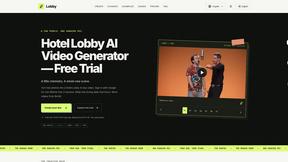
Turn two individual photos into short Hotel Lobby AI videos, with seven scenes and flexible output formats.


FindTourGuide
FindTourGuide helps travelers request and compare custom quotes from local tour operators for trips shaped around their plans.