
Goshortsai
Turn photos into AI videos for free with Goshortsai. Sign in daily for free credits, upload an image, describe the motion, and generate videos.

Turn photos into AI videos for free with Goshortsai. Sign in daily for free credits, upload an image, describe the motion, and generate videos.

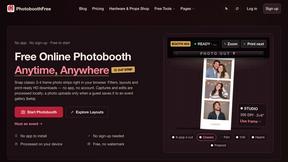

Shoot 3-4 frame photo strips in your browser. Frames, filters and print-ready 300 DPI downloads with no watermark. No app, no sign-up.
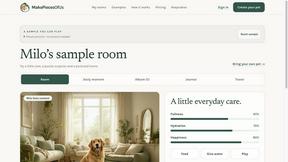

Turn your pet's photos into a private virtual room, daily care, albums and dated memories.
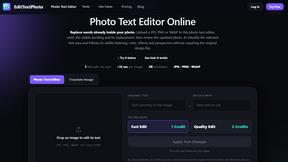

AI-powered image text editor to edit, replace, fix, or translate text in images while preserving the original font, color, size, and style.
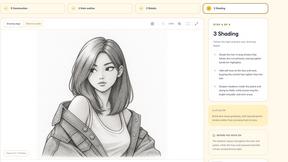

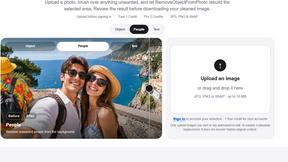

Remove unwanted objects, people, and text from photos with AI for clean, natural-looking results in seconds.
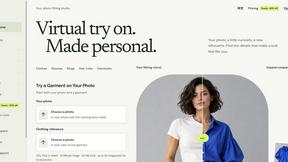

Try on clothes, glasses, rings, hairstyles, and hair colors on your own photos with AI.
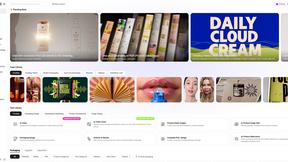

AI video ads, UGC-style videos, and product visuals for cross-border sellers and e-commerce brands.


AI creative studio for cinematic photo and short-video concepts.
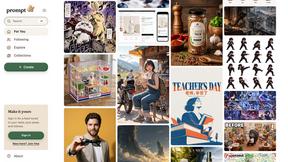

Free AI image prompt library: copy tested prompts for Gemini and ChatGPT, no account needed.

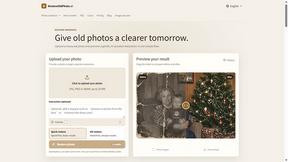

Restore old photos with RestoreOldPhoto.ai: repair scratches, creases and fading, sharpen faces and details, and optionally colorize family memories.
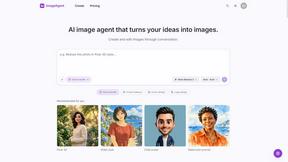

Create and edit AI images through conversation, using text or reference images and refining results in chat.

All-in-one AI workspace to generate images, videos, and audio with multiple leading AI models.

Free AI age filter: upload an adult portrait, add 10-40 years, meet your older self. No app needed.
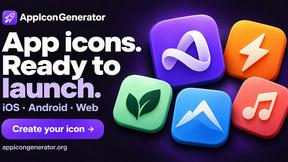

Generate iOS and Android app icons from any image and export all platform sizes for free.

Free AI image and video studio with no sign-up: generate images from text or photos, turn prompts into short videos, plus editing and upscaling.
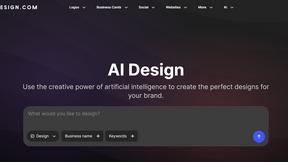

Turn text prompts into polished, copyright-safe visuals that plug directly into branded templates
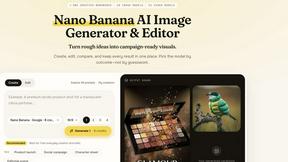

Create and edit AI images, generate videos, and compare models in one creative workbench.
NanoImg is a comprehensive, browser-based AI image generation and editing platform. It falls into the category of all-in-one creative tools that leverage multiple advanced AI models to produce studio-quality visuals from simple text descriptions. This consolidation aims to simplify the workflow for users who need both creation and sophisticated editing in one place. Users often explore alternatives for various practical reasons. These can include budget constraints, as pricing models differ significantly across the market. Others may seek platforms with a specific, specialized AI model not offered by NanoImg, or they might require different deployment options, such as a desktop application versus a web service. The need for a particular feature set, user interface style, or integration capability also drives this search. When evaluating an alternative, consider your primary use case. Key factors include the quality and style of the AI's output, the depth and ease of the editing tools, and the overall cost structure. It's also wise to assess the platform's learning curve, the speed of generation, and whether it supports the specific creative tasks you perform most often, from social media graphics to product mockups.
NanoImg is an all-in-one, browser-based platform that uses advanced AI to generate and edit studio-quality images, consolidating multiple state-of-the-art models into a single interface.
It is designed for a broad audience, from beginners seeking easy creation to professional designers and marketers who need efficient, high-quality outputs for projects like social media, advertising, and product mockups.
Its core features include a unified platform with access to multiple best-in-class AI models and a natural language editor that understands commands like 'remove reflections' or 'change the outfit.'
The provided content does not specify pricing, so users should check the official NanoImg website for current plans, which typically include free trials or tiered subscriptions.