
About Silentcut
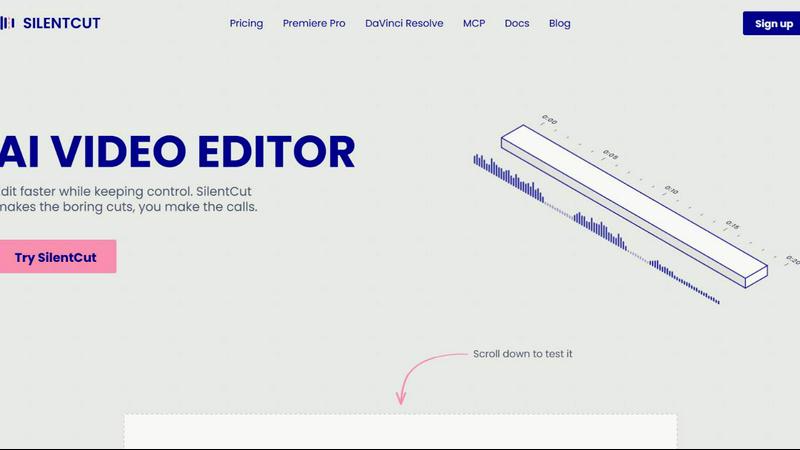
SilentCut is an AI video editing plugin for editors who cut talking-head videos, podcasts and creator content. It runs inside Premiere Pro and DaVinci Resolve (free edition and Studio), and in the browser with SilentCut Studio.
Three tools take the tedious part out of an edit:
- Silence Remover finds and cuts the silent gaps, with sensitivity and minimum gap length under your control.
- Speech Cleanup removes filler words, stutters, false starts, unfinished sentences and repetitions.
- Best-Take Selector highlights every version of a repeated sentence, so you keep one take and cut the rest.
SilentCut makes the boring cuts and you make the calls. Your video stays on your machine: only the audio is uploaded.
The Silence Remover is free, with no limit. The Editor plan ($29/mo) and the Agency plan ($79/mo) add Speech Cleanup and the Best-Take Selector, with a 14-day money-back guarantee.
Similar to Silentcut

Make a 19-second desk-concert video with lead and sax, full band, Halloween or pet-band modes; audio and silent MP4.

Convert any FlipHTML5 flipbook into a high-quality PDF online - free, open source, no signup.

Create a duet video from two authorized portraits with motion transfer, lip-sync, and audio.

PavoAI unifies text-to-video, image-to-video, editing, avatars, music, subtitles, and upscaling in one commercial-ready workspace.

Free ad creative hub: 1,750+ prompts behind viral AI ads, 118 hook frameworks, teardowns, swipe files and 27 free AI ad tools. Copy, remix, ship.

AI growth tool for X and LinkedIn: write posts in your voice, schedule at your best times, find leads on X and see what works.

Turn a photo of your pet into new pictures or short animations with AI. Sign in for a free 1K image daily.

A Mac app that turns your App Store link into a week of Instagram Reels and carousels, written from your real reviews.